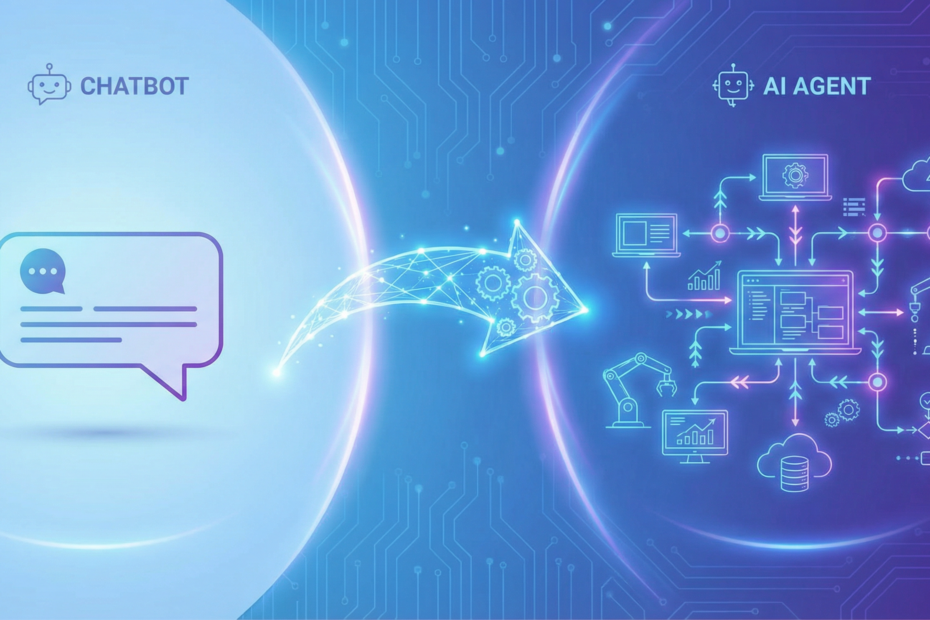
Business leaders hear “AI” and often think chatbot — a system that answers questions. But when you need AI to actually do work — pull data, send emails, update records, run workflows — you’re talking about an agent. The operational differences are real, and they affect how you scope, govern, and deploy. Here’s what changes when you move from chatbot to agent.
Chatbots Answer; Agents Execute
A chatbot responds to user input with text. It may retrieve information from a knowledge base or search the web, but its output is a reply. An agent, by contrast, executes multi-step workflows. It reasons through a task, decides what to do next, calls tools, and completes actions in your systems. The output isn’t just a message — it’s a work product: a quote generated, a defect logged, a work order created.
Example: A chatbot can tell an operator how to perform a quality check. An agent can run the check, compare results to specs, log pass/fail, and trigger rework if needed. Same domain, different capability. The chatbot informs; the agent acts.
Agents Use Tools
Agents integrate with your environment. They call APIs, query databases, send emails, update CRM records, and interact with ERP and MES. Each integration is a “tool” the agent can invoke. That means:
- You need to expose the right systems via APIs or connectors
- You need to govern what the agent can and cannot do
- You need to monitor tool usage for errors and misuse
Chatbots typically don’t have this level of integration. They read and respond; they don’t write to your systems. That’s why migrating from a chatbot to an agent often requires new infrastructure: API access, authentication, and error handling for tool calls. Budget for integration work, not just model tuning.
Agents Have Memory, Context, and SOPs
Agents maintain context across a conversation and, in some designs, across sessions. They can be grounded in your SOPs, work instructions, and policies — so they don’t hallucinate procedures; they cite your documents. This makes them suitable for compliance-sensitive workflows where accuracy and traceability matter.
Chatbots can be grounded too, but agents combine grounding with action. They don’t just tell you what to do; they can do it (or parts of it) themselves. For manufacturing, this matters: an SOP-grounded agent can both explain a procedure and execute the data-entry steps that follow. The operator stays in the loop for judgment; the agent handles the repetitive execution.
What Changes in Your Organization
Governance
Chatbots are low-risk: wrong answer, user corrects. Agents take action. A misconfigured agent could create bad data, send wrong emails, or trigger incorrect workflows. You need clear ownership, approval workflows for agent actions (especially high-impact ones), and audit trails.
Approvals
Define what requires human-in-the-loop. Some actions (e.g., sending a quote to a customer) may need approval. Others (e.g., logging a defect) may be fully automated. Document the rules and enforce them in the agent design.
Monitoring
Monitor agent behavior: tool usage, error rates, and outcomes. Set alerts for anomalies. Chatbots are easier to monitor (did the answer make sense?). Agents require monitoring of both reasoning and actions. Log tool calls and their results so you can debug when something goes wrong. A simple dashboard with success rate, latency, and error types goes a long way.
When to Use a Chatbot vs an Agent
Use a chatbot when: You need Q&A, FAQ, or guided help. The user stays in control; the system provides information. Low risk, fast to deploy. Good for internal knowledge bases, customer support FAQs, and procedural lookups.
Use an agent when: You need multi-step execution — data extraction, quote generation, defect logging, scheduling, maintenance recommendations. The system does work on behalf of the user. Higher value, higher governance requirements.
Many teams start with a chatbot for internal Q&A and then discover they need an agent when users ask “can it also create the work order?” or “can it update the quote in the CRM?” That’s a signal: the workflow has moved from information to action.
How to Start
Pick one workflow. Choose something with clear inputs, defined outputs, and a measurable metric (e.g., time saved, errors reduced). Start with a narrow scope — one process, one system, one user group. Measure the metric before and after. Expand only when you’ve validated ROI and governance.
Define your human-in-the-loop rules upfront. Which agent actions require approval? Which can run autonomously? Document this in a simple matrix: action type, risk level, approval required (yes/no). Revisit as you learn.
Kamna Ventures helps manufacturing teams move from chatbots to agents that execute. We scope pilots in 30–45 days and focus on workflows that pay back quickly. Learn more about our agentic AI manufacturing approach and our AI Incubation Lab to get started.