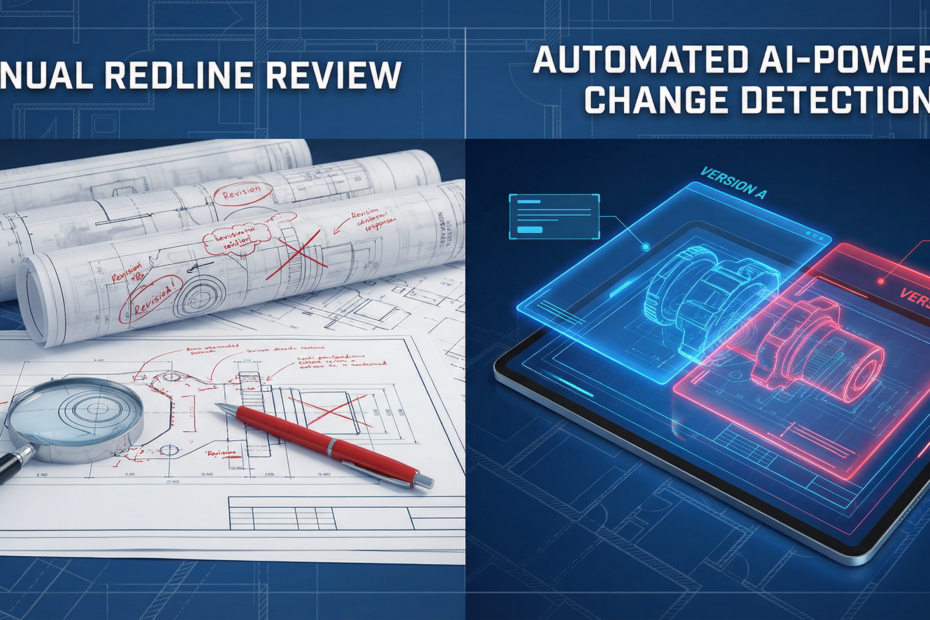
Engineering change review is a bottleneck in manufacturing. Every time a drawing is revised — a dimension updated, a material changed, a note added — someone has to compare the old and new versions, catch every redline, and ensure nothing slips through. Manual comparison is slow, error-prone, and doesn’t scale. AI-powered change detection can automate most of this work and reduce the risk of missed changes. Here’s how it works and how to implement it.
The Engineering Change Review Bottleneck
When a design change is proposed, engineering and quality teams must:
- Compare the revised drawing to the previous revision
- Identify every change — dimensions, annotations, callouts, notes
- Verify that redlines (manual markups) have been properly incorporated
- Track revision history and ensure the right version is released
Doing this by eye is tedious. Two drawings may look nearly identical; a 0.5mm dimension change or a material callout update is easy to miss. In regulated industries, missed changes can cause non-conformance, rework, or worse. Teams spend hours on each change notice, and the backlog grows when volume increases.
How AI Handles Drawing Comparison
AI change detection uses several techniques:
Pixel-Level Diff
Simple image differencing highlights pixels that changed between two drawing versions. It works for rasterized images (PDFs rendered to pixels, scans) and quickly surfaces visual differences. Limitations: it’s sensitive to registration (drawings must be aligned), and it doesn’t understand semantics — a moved dimension and a new dimension may look similar to a pixel diff.
Semantic Understanding
More advanced systems parse the drawing structure. They extract dimensions, annotations, and callouts as structured data, then compare the two versions field-by-field. “Dimension A was 10.5mm, now 10.0mm” is explicit. Semantic comparison understands what changed, not just where pixels differ. It works best with vector-based formats (DWG, DXF) where text and geometry are structured; PDFs can be parsed if the content is extractable.
Annotation Extraction
Redlines — hand-drawn or digital markups — are often the source of changes. AI can detect and extract annotations (circles, arrows, text callouts) and map them to the underlying geometry. That helps verify that every redline was addressed in the new revision. For more on drawing intelligence, see our CAD drawing intelligence pillar.
Automating ECN Workflows
An Engineering Change Notice (ECN) typically flows: request → review → approval → release. AI can accelerate the review step:
- Change summary: Generate a list of all differences between old and new versions before human review
- Redline verification: Check that each redline in the markup has a corresponding change in the new drawing
- Impact assessment: Flag changes that affect critical dimensions, materials, or safety-related callouts
- Audit trail: Log what changed, when, and by whom for compliance
Reviewers focus on validating the change list and approving, rather than manually hunting for differences. That cuts review time from hours to minutes for typical changes.
Integration with PLM Systems
Change detection is most valuable when integrated with your Product Lifecycle Management (PLM) system. When a new revision is checked in, the system can automatically trigger a comparison against the previous revision, generate a change report, and attach it to the ECN. Approvers see the change summary in the PLM workflow instead of opening two drawings side by side.
Integration options include: API hooks when new versions are uploaded, file watchers on shared drives, or manual upload to a change-detection service that outputs a report for PLM attachment. Start with the workflow that fits your current process, then tighten integration as adoption grows.
Risk Reduction: Catching Changes Humans Miss
Humans are good at understanding context but can miss subtle changes — especially when drawings are dense or changes are small. AI systematically compares every extractable element. It won’t miss a dimension change because it was in a crowded callout block. It won’t overlook a material note because it was in the title block. The combination of AI change detection plus human review reduces escape rate: AI finds the changes, humans validate and approve.
For high-risk industries (aerospace, medical, automotive), this is especially valuable. Regulatory audits expect evidence that changes were reviewed. An automated change report provides a clear, repeatable record of what was compared and what differed.
Practical Implementation: Start Small, Expand
Don’t try to automate every drawing type at once. Start with one category — e.g., detail drawings for a specific product line, or drawings from a single CAD format (DWG or PDF). Reasons:
- Different drawing types have different layouts; the extraction logic may need tuning per type
- You can validate accuracy on a manageable set before scaling
- Early wins build confidence and justify expansion
Define success metrics: time per ECN review, number of missed changes (if you have a way to measure), and user adoption. Once the first drawing type is stable, add the next. Over 6–12 months, you can cover most of your change volume.
Next Steps
Engineering change review is a high-impact automation target. The bottleneck is real, the risk of missed changes is real, and the technology is mature enough to deploy. Start with one drawing type, integrate change detection into your ECN workflow, and measure the time savings and quality improvement.
Kamna Ventures helps manufacturers automate engineering review and ECN workflows. We assess your drawing formats, design change-detection pipelines, and integrate with PLM. Explore our AI Incubation Lab and our CAD drawing intelligence capabilities to get started.